







A customer asks an AI tool a question your website already answers. The answer is buried beneath a long introduction, vague claims, and a heading that tells them very little.
That’s a content problem worth fixing.
Clear structure helps people find what they need. It also gives search systems useful context about the subject, the answer, and the evidence behind it.
There’s no page template that guarantees an AI citation. There are practical ways to make your content more useful, specific, and easier to navigate. Let’s walk through them.

How to structure content for AI search
Structure content for AI search by organizing each page around a clear purpose, answering relevant questions directly, and supporting those answers with useful details and evidence. Use descriptive headings, appropriate tables or lists, and accurate structured data where it applies.
Start with the reader’s question. Then give them what they need to understand the answer and decide what to do next.
For a product page, that could mean dimensions, materials, compatibility, and care instructions. For a service page, it could mean deliverables, pricing factors, timelines, and who the service is for.
Microsoft recommends clear headings, specific language, and answers that retain their meaning when read separately. Google recommends useful, well-organized content while cautioning against writing to a special AI formula.
Both points lead to the same starting place: make the page useful to the person asking the question.

Start with a clear title and heading structure
Your page title and main heading should tell readers what the page covers. Creative language has its place, but the topic shouldn’t be a guessing game.
For example, a page about waterproofing wood might use:
- H1: Wood Sealer vs. Waterproofer: What’s the Difference?
- H2: What does a wood sealer do?
- H2: What does a waterproofer do?
- H2: How do you choose between a wood sealer and a waterproofer?
- H3: Where will the wood be used?
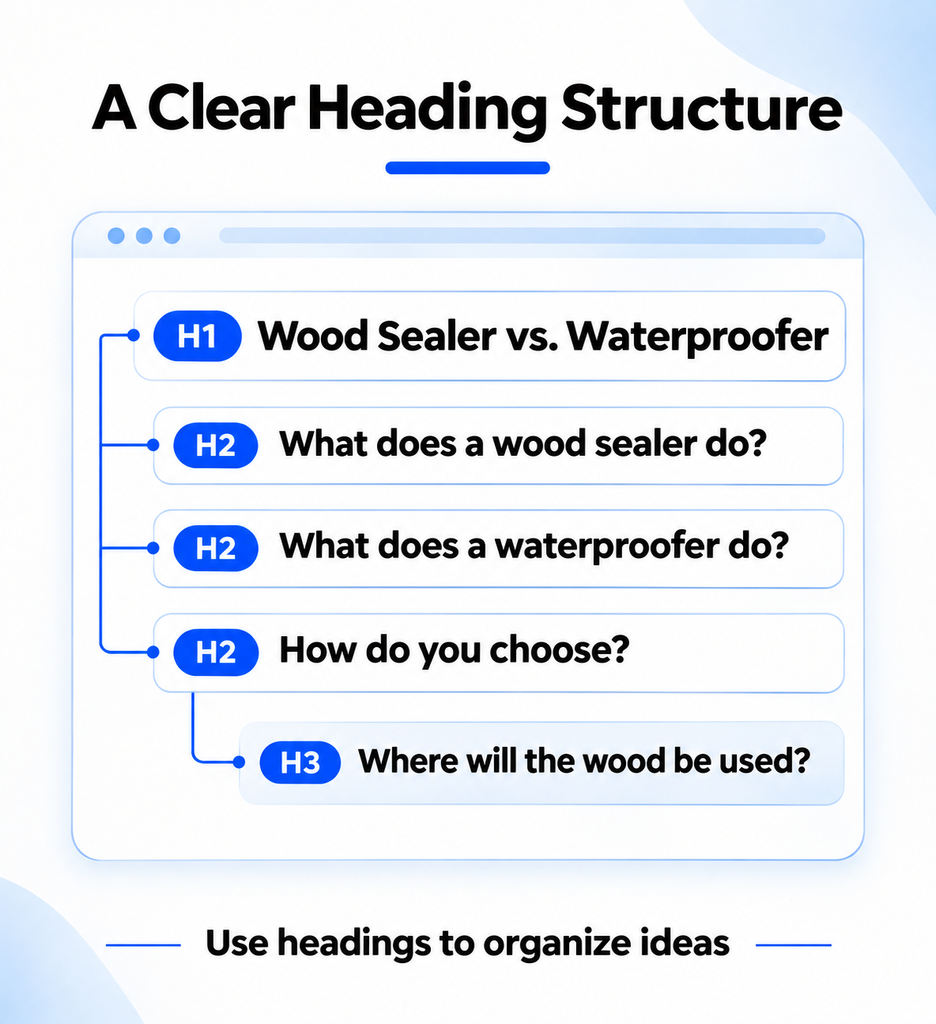
The H1 establishes the subject. The H2s cover the main questions. The H3 adds detail to the section about choosing a product.
That structure gives readers a path through the comparison. It also gives the writer a useful check: does each section deliver what its heading promises?
Use questions when they match how your audience searches or talks. A straightforward heading such as “Pricing factors” works when a question would sound forced.
Your title tag, H1, and page content should describe the same subject. They don’t need identical wording.

Write direct answers with enough context
An extractable answer is a passage that makes sense when someone reads it on its own. It names the subject, answers the question, and keeps important conditions close.
Consider this fictional example.
Too vague:
Our migration service takes care of everything, making your move easy.
More useful:
The migration service includes transferring customer records and product information from supported platforms. Historical order data requires a separate review. The client approves a test import before the final transfer.
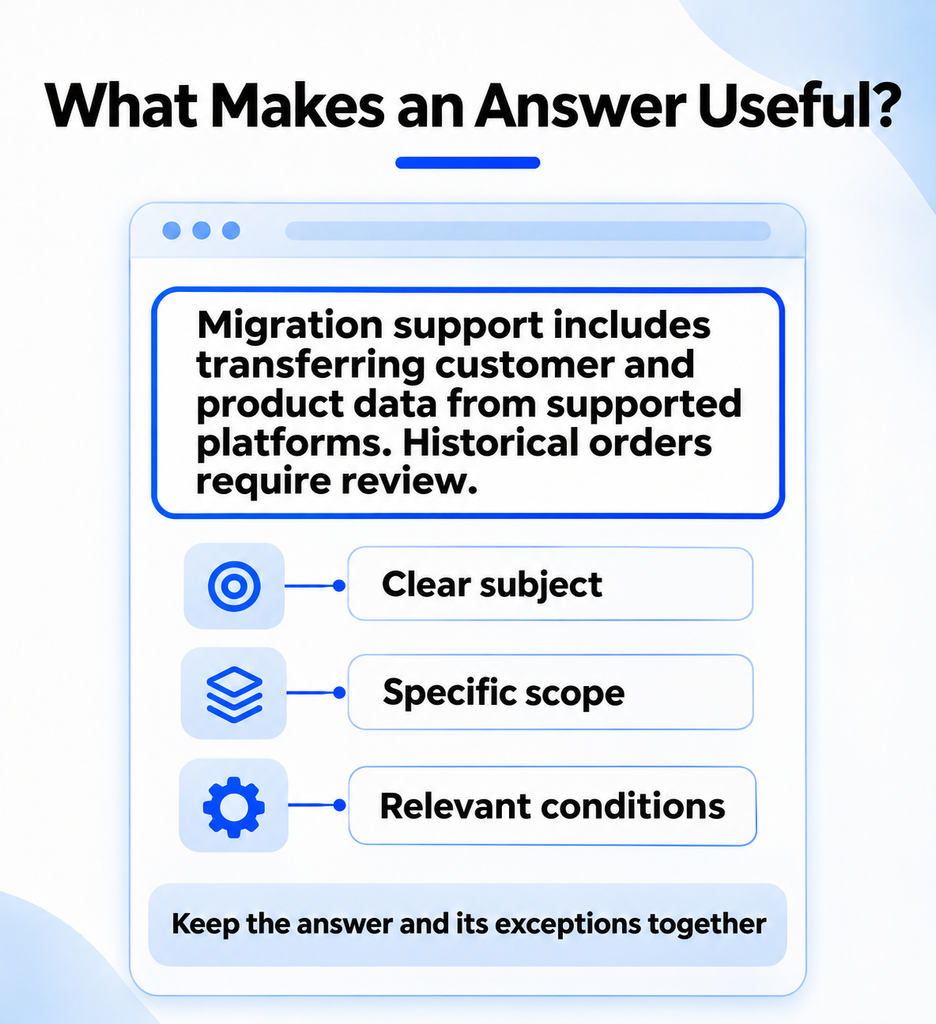
The second version gives the reader something concrete. It explains what’s included, identifies an exception, and describes the next step.
The same approach works in longer articles. Answer the question near the beginning of a section. Follow with the detail a reader needs to apply it.
For example, an answer about product compatibility should name the product and the supported equipment. If compatibility depends on a model year or size, include that condition beside the claim.
Don’t force every answer into two sentences. Some topics need a short definition. Others need a comparison, a process, or a careful explanation of exceptions.

Use tables and lists when they make the answer clearer
Format should match the information.
| Format | Best use |
| Paragraph | Explaining an idea, limitation, or recommendation |
| Numbered list | Showing steps in a process |
| Bulleted list | Grouping related features or requirements |
| Table | Comparing options across the same criteria |
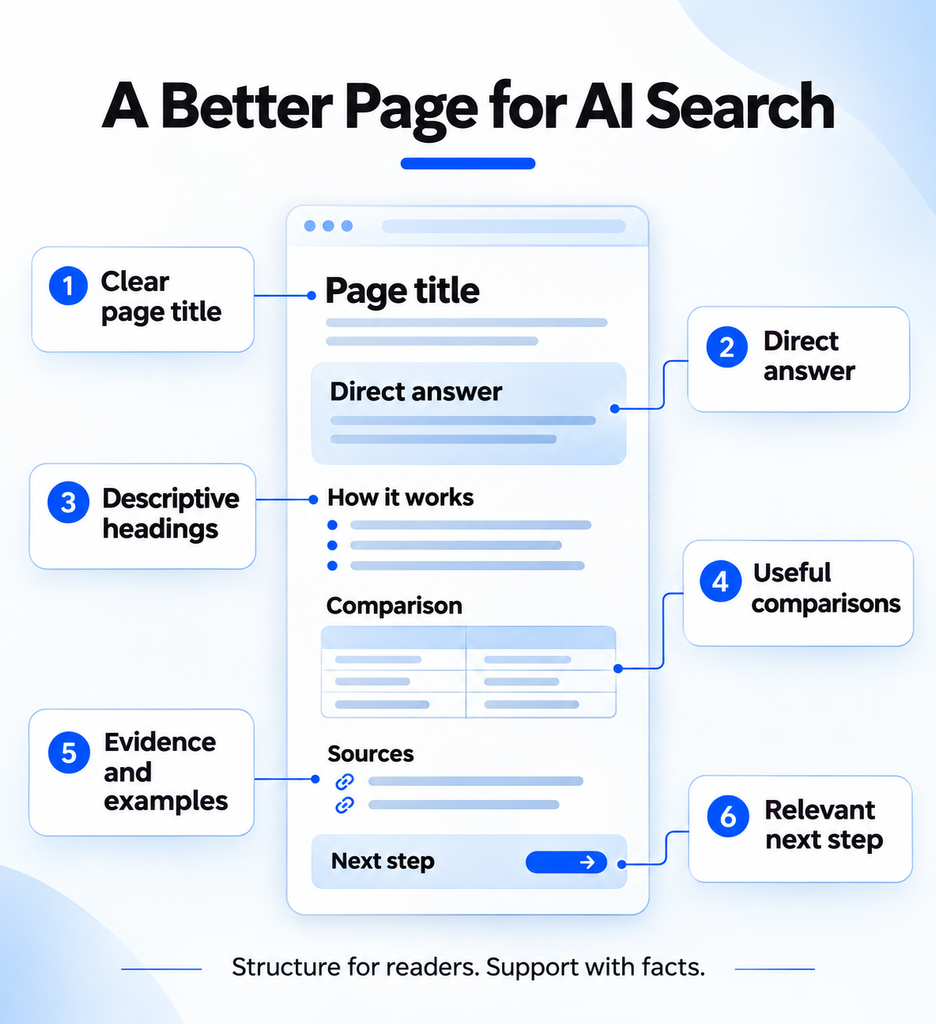
A table works well when a customer needs to compare two products by application, finish, and maintenance. A paragraph works better when the recommendation depends on several connected factors.
Lists aren’t automatically better for AI search. They’re useful when they make the information easier to scan and understand.
The same goes for summaries. A short takeaway at the top of a detailed guide helps readers get their bearings. It should reflect the full article, including any important limitations.
Google says its systems can understand multiple topics on a page. There’s no need to break an article into tiny sections solely for AI.

Add evidence, examples, and firsthand knowledge
A clear answer still needs a reason to be trusted.
If you publish a statistic, link to the original research and explain what it measured. If you share a result, include the time period and comparison. If your team tested a product or process, explain how the test worked.
Specificity matters here.
“Improved campaign performance” tells a reader very little. A more useful explanation identifies the campaign objective, the change made, the period measured, and the result. It also acknowledges other factors that affected the outcome.
Original examples give your content a point of view. They might include:
- A documented product test.
- An anonymized client problem and the steps taken to solve it.
- A comparison built from your team’s own evaluation.
- An explanation from a specialist who performs the work.
You don’t need a new study in every post. You do need enough detail for a reader to understand why your advice deserves their attention.

Does schema help content appear in AI answers?
Schema is structured data that describes information on a page in a format search engines can process. Depending on the page, that might include an article’s author, a product’s details, or information about an organization.
Use schema that accurately represents the page. For example, Article structured data can describe details such as the headline, author, and publication date.
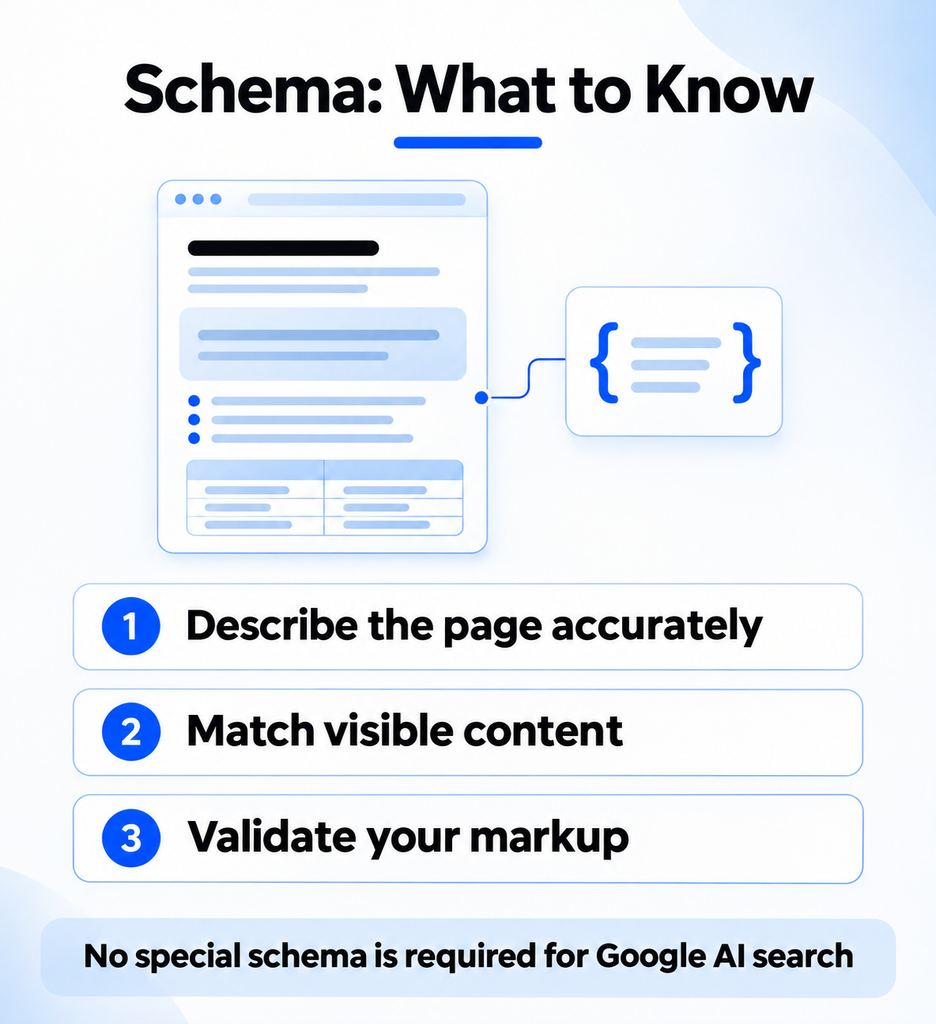
Google says structured data is not required for its generative AI search features, and there is no special schema you need to add for AI Overviews or AI Mode. Relevant markup can still support your broader SEO work. It doesn’t guarantee a citation or rich result.
Also, Google retired its FAQ rich result feature in 2026. An FAQ section can still help readers, but FAQ markup shouldn’t be added with the expectation that it will produce a Google FAQ rich result.
Before adding markup, check what your CMS or SEO plugins already produce. Make sure the information matches the visible page. Then validate supported markup with Google’s Rich Results Test and review any errors.

Make sure search systems can access the content
A well-written page needs to be accessible before a search system can retrieve it.
Check for accidental indexing restrictions, broken internal links, and important content that fails to load. Pay attention to pages where essential information appears through scripts, tabs, or other interactive elements.
Google states that, for its generative search features, a page must be indexed and eligible to appear with a snippet. Meeting those requirements still doesn’t guarantee that Google will show the page.
For ecommerce and local businesses, keep product feeds and business profiles accurate too. A page, product feed, and directory listing that disagree about basic details create unnecessary confusion for customers.
This work belongs alongside your broader SEO strategy. Content structure has more value when the underlying page can be found and understood.

How to optimize content for AI search over time
Start with pages that already answer questions tied to your business. Review the content, make changes, and measure what happens.
A practical first pass might include:
- Choose a page. Pick a product, service, or article with a clear customer purpose.
- Identify the main question. Check sales conversations, support requests, and search data.
- Review the answer. Make sure the page answers the question clearly and includes relevant conditions.
- Check the evidence. Add useful examples or sources, and correct outdated details.
- Review the technical setup. Check access, internal links, and existing structured data.
- Measure the results. Track citations, identifiable referrals, and business outcomes separately.
Bing Webmaster Tools and Microsoft Clarity provide citation reporting for supported AI experiences. Google Search Console provides reporting for its generative search features. Use those alongside your existing traffic and conversion data.
A citation tells you a page was referenced. A visit tells you someone reached your website. Leads and sales tell you what happened after that visit. Each metric answers a different question.
Build a stronger foundation for AI search
Good content structure starts with a real customer question. It continues with a direct answer, the details that make the answer useful, and evidence that supports the claim.
That work also supports your wider search strategy. Our guide to generative engine optimization explains how content fits into broader AI visibility.
Want help identifying where your pages need work? Contact Newbird about AEO and SEO. We’ll review your content, technical foundations, and search visibility to build a plan around the questions your customers are asking.